Step-by-step guide
Open ShreeWin Login
Tap the Login button on the ShreeWin website.
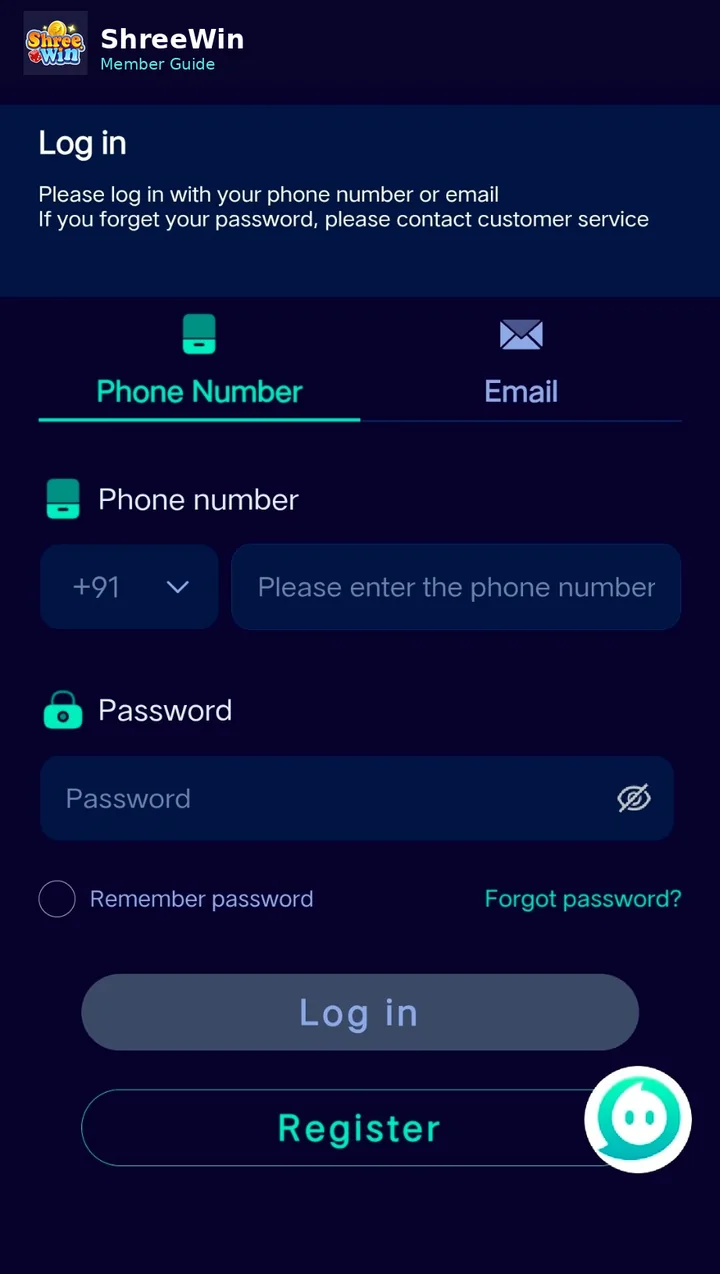
Choose the available login method
The login screen may offer phone-number or email access. Select the method linked to your account.
Enter your registered details
Type the registered phone number or email and your password.
Tap Log in
Submit the form to open your member account.
Use Forgot password if needed
If you cannot remember your password, use the password recovery option instead of repeatedly guessing.
Account screens, payment channels, limits and promotion terms can change. Always follow the live options displayed after login and never share passwords, verification codes or private payment credentials.
Common questions
Why is my login not working?
Check that you selected the correct login method, entered the registered number or email correctly and used the current password.
Where is the password reset option?
The supplied login screen includes a Forgot password link near the password field.